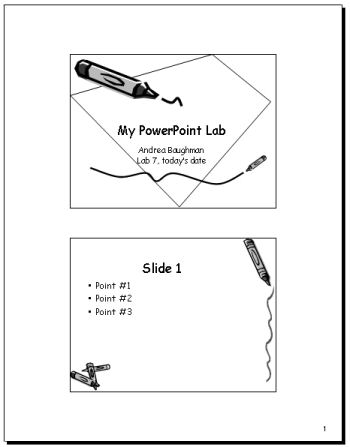
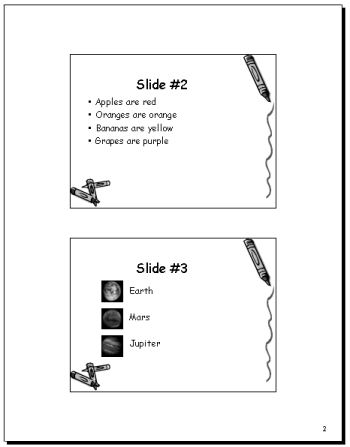
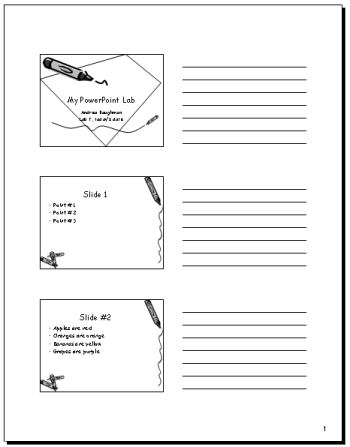
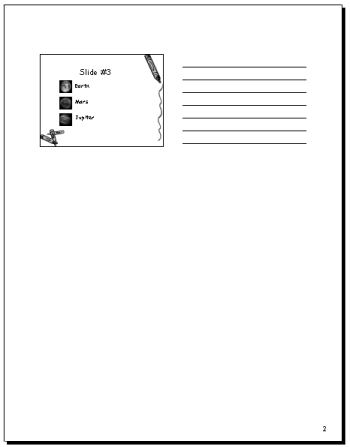
Purpose: to assure that the student can use Power Point to create slides for a presentation and to print them as slides or handouts.
Much of this lab will be done in class. An outline is provided here and the rest will be explained in class. (If you are not in class, and cannot complete the lab based on this outline, you may turn in an alternate lab from the Office 2000 text. In the PowerPoint chapter there are Independent Challenge/Visual Workshop exercises at the end of each of the 3 sections. Choose, complete, and print 1 exercise from each section (3 total). Mark each printout clearly, for example: page 336, visual workshop)
Your Printouts should look something like this: